Local measurements
See conditions at your home.
Measure temperature, humidity, rain and wind at your own location. Get a clearer view before the dog walk, garden work or school run.
Your own weather station
Know the weather at your home.
Measure your temperature, rain and wind with a Tempest Weather System. Buy directly from Tempest and use MYWEATHERDESK at checkout to save 10%.
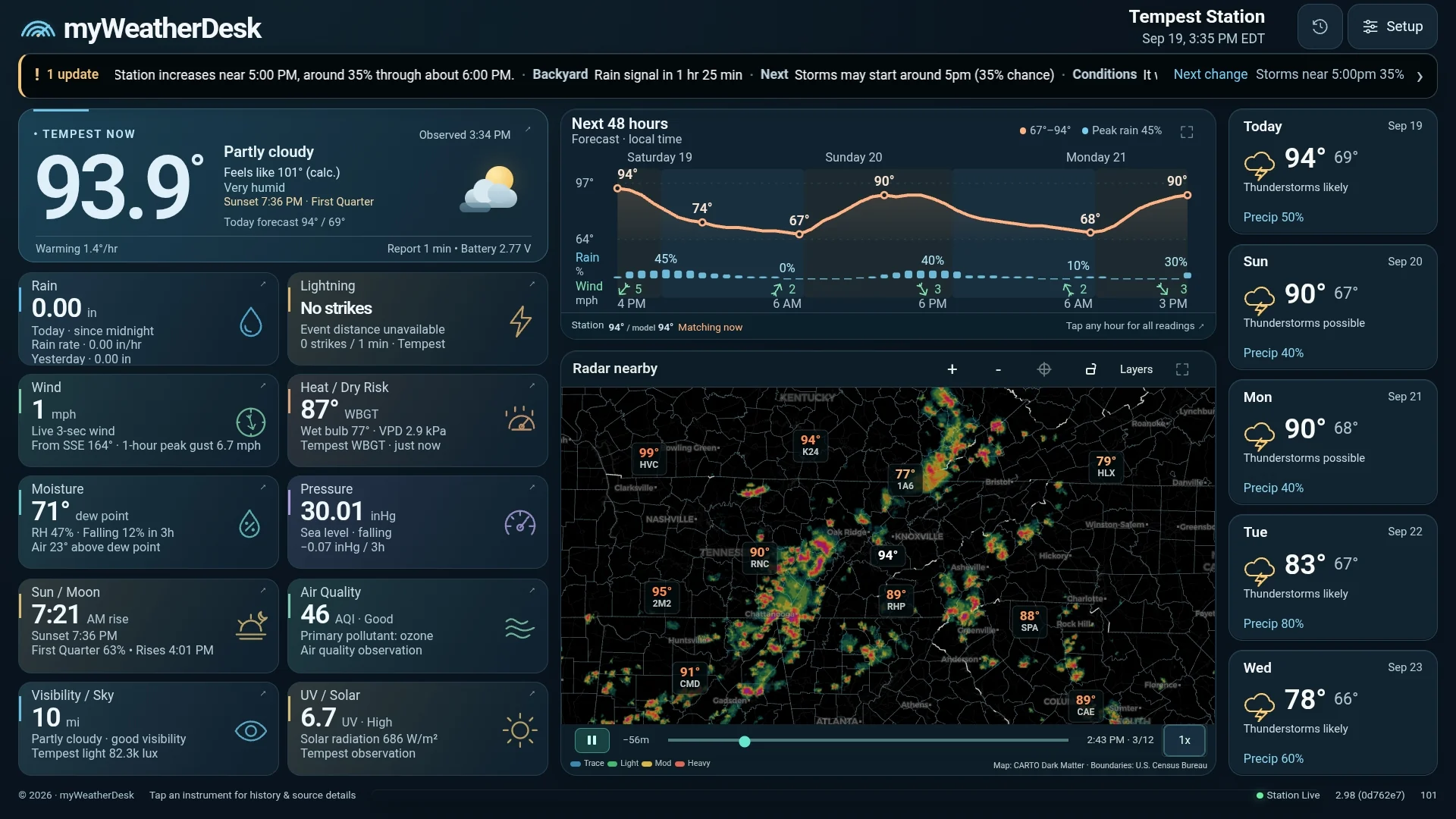
Plus, myWeatherDesk is free. Bring your station readings, radar and forecasts together on your phone, tablet or computer.
I may earn a commission through my link or code. Discount details
Independent dashboard software, free for Tempest owners. Our code is not required. Weather station purchased separately.
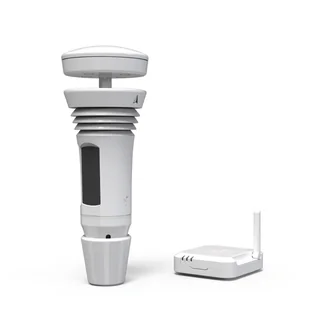
Outdoor sensor + indoor WiFi Hub.
What comes with your stationAdd your free myWeatherDesk dashboard
Why own a Tempest?
Local measurements
Measure temperature, humidity, rain and wind at your own location. Get a clearer view before the dog walk, garden work or school run.
Outdoor plans
Check how much rain fell and how the wind is changing. Use your station’s readings to help plan time outdoors.
More ways to see it
Tempest includes its own app. Add myWeatherDesk’s free dashboard for station readings, nearby radar and forecasts on the screens you already own.
Try it before you connect
Tap Rain, Wind or History to explore the free dashboard’s sample preview. No station or sign-in needed to try it.
Sample readings, not live weather. Available history depends on your station data.
Explore phones, tablets & displaysConnect your Tempest to explore live readings and history. Open Dashboard
From the myWeatherDesk community
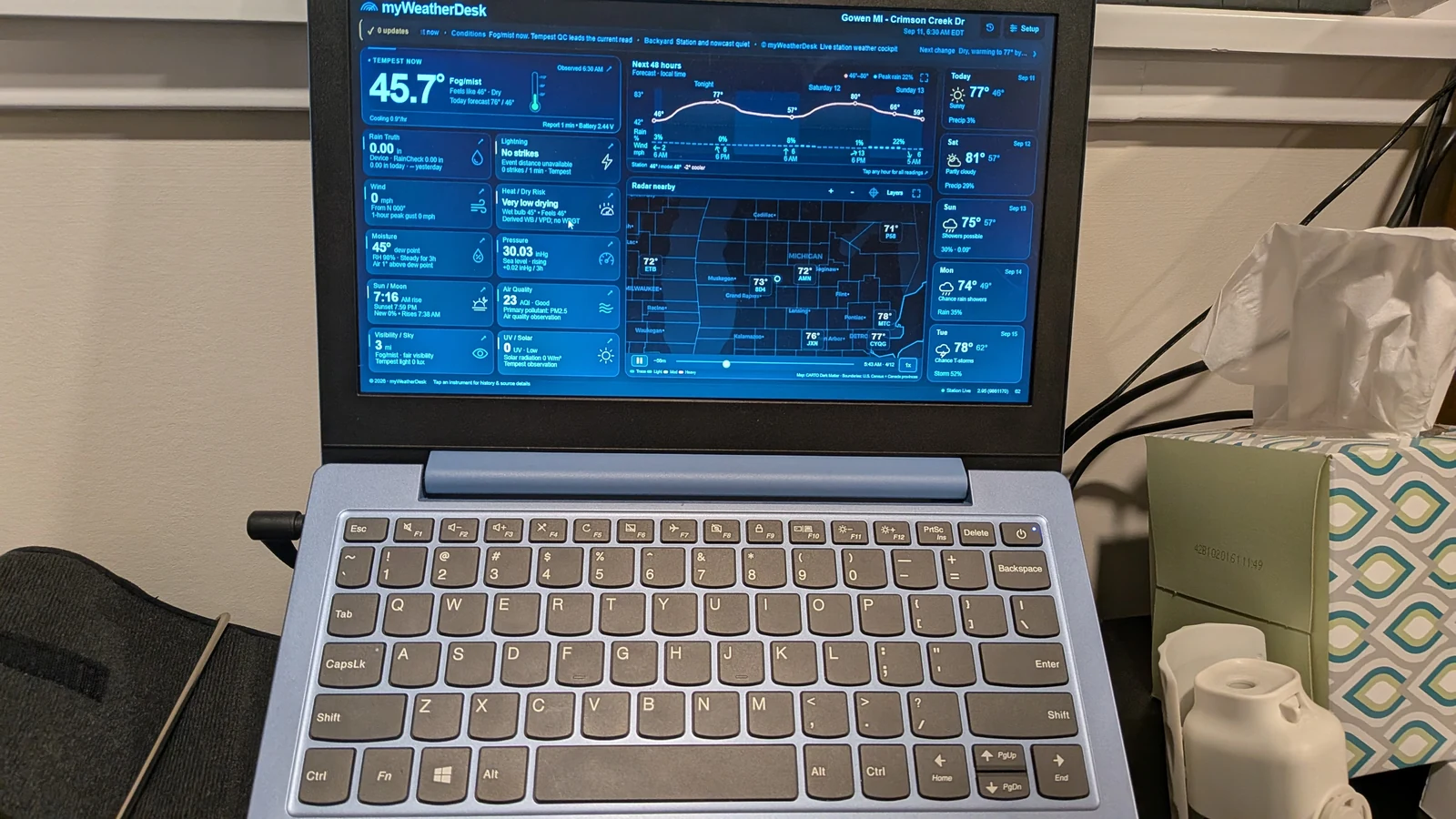
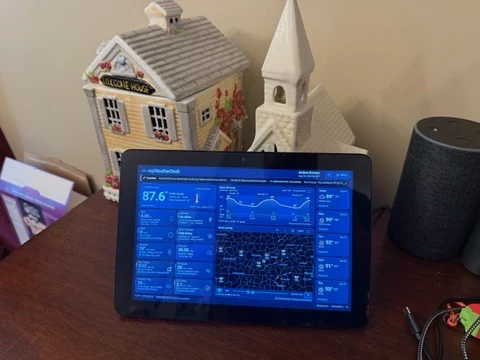
Keep the weather beside your work or give it a place at home. These are setups shared by myWeatherDesk users.
User-shared photos show the app as it looked when captured. Explore all six owner setups →
Visit the Tempest product page for current pricing and availability. Enter MYWEATHERDESK for 10% off a Tempest Weather System and confirm the discount in your order total before purchasing. Tempest’s standard app access does not require a subscription.
A Tempest Weather System, a suitable outdoor location and 2.4 GHz WiFi for the indoor Hub. Follow Tempest’s installation and siting instructions. For myWeatherDesk, use a browser on your own phone, tablet or computer. No special screen is required.
Tempest sells and ships the hardware. Check its limited warranty information and return policy before ordering. Conditions and exclusions apply; myWeatherDesk does not handle hardware returns.
Yes. Buy a WeatherFlow Tempest and get myWeatherDesk free, with no myWeatherDesk subscription. You do not need to use our referral link or discount code to access the dashboard. Hardware and internet access are separate.
myWeatherDesk is an independent dashboard built for Tempest owners. I may earn a commission when you buy through my link or use MYWEATHERDESK. Those referrals help support the project.
Tempest includes its own app. myWeatherDesk is an independent companion display that brings station conditions, rain history, radar and forecasts together, with layouts for phones, tablets and larger screens. It is not an official Tempest app.
Open myWeatherDesk, choose Setup, then Continue to WeatherFlow to authorize your station. You sign in on WeatherFlow’s website; myWeatherDesk does not receive your password. Follow the connection guide for details.
Go straight to myweatherdesk.com/dashboard. Keep that address in your bookmark or kiosk settings. Our user guide covers setup, displays and product features.
Your backyard. Your weather.
Buy your station directly from Tempest. Enjoy myWeatherDesk free when you connect it.
I may earn a commission through my link or code. Discount details